 COME
Use a recognised COME account-support route
Reach account support through the service you are using and inspect the destination. An unsolicited message claiming to be support is not the same route.
Start from the current interface
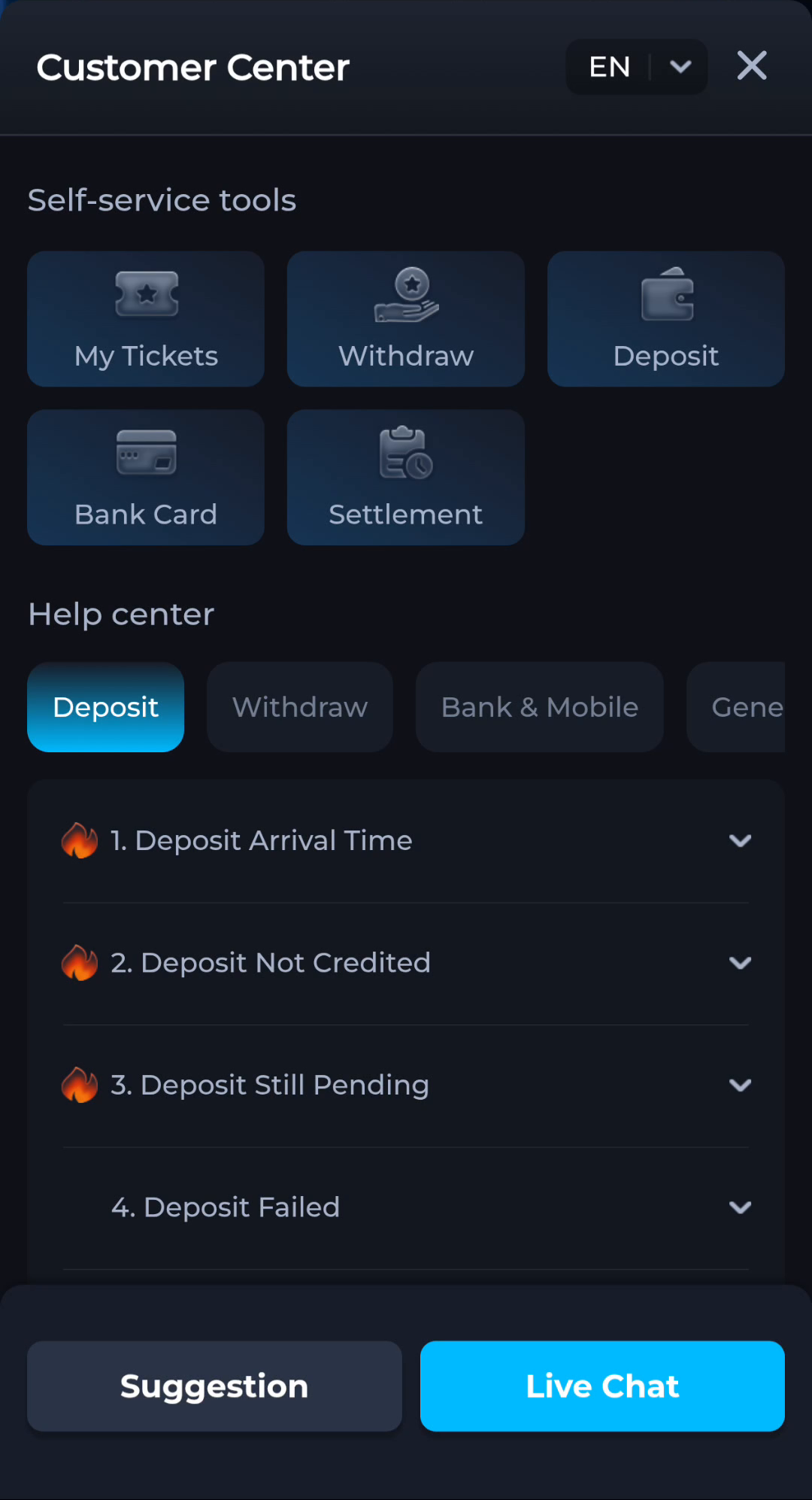
The Customer Center screen groups help topics and My Tickets. Use the live interface available to your account rather than a contact copied from an unrelated page. Read what information the form actually requests.
Explain without secrets
A useful message names the action, error, time and device. It does not need your password, OTP, UPI PIN or banking login. Redact those items from screenshots, while leaving the relevant error visible.
Check continuity
If a case already exists, follow its current thread or status where the interface supports that. Do not assume a direct message from someone outside the service relates to that case merely because it repeats your issue.
A useful next step
Keep account questions within the displayed help route and retain your own record of the request.